Schedules
Schedules control the frequency of monitor checks. They can be reused across many monitors.Create a Schedule
When creating or editing a monitor, open the schedule dropdown and choose Create new schedule to add a schedule.
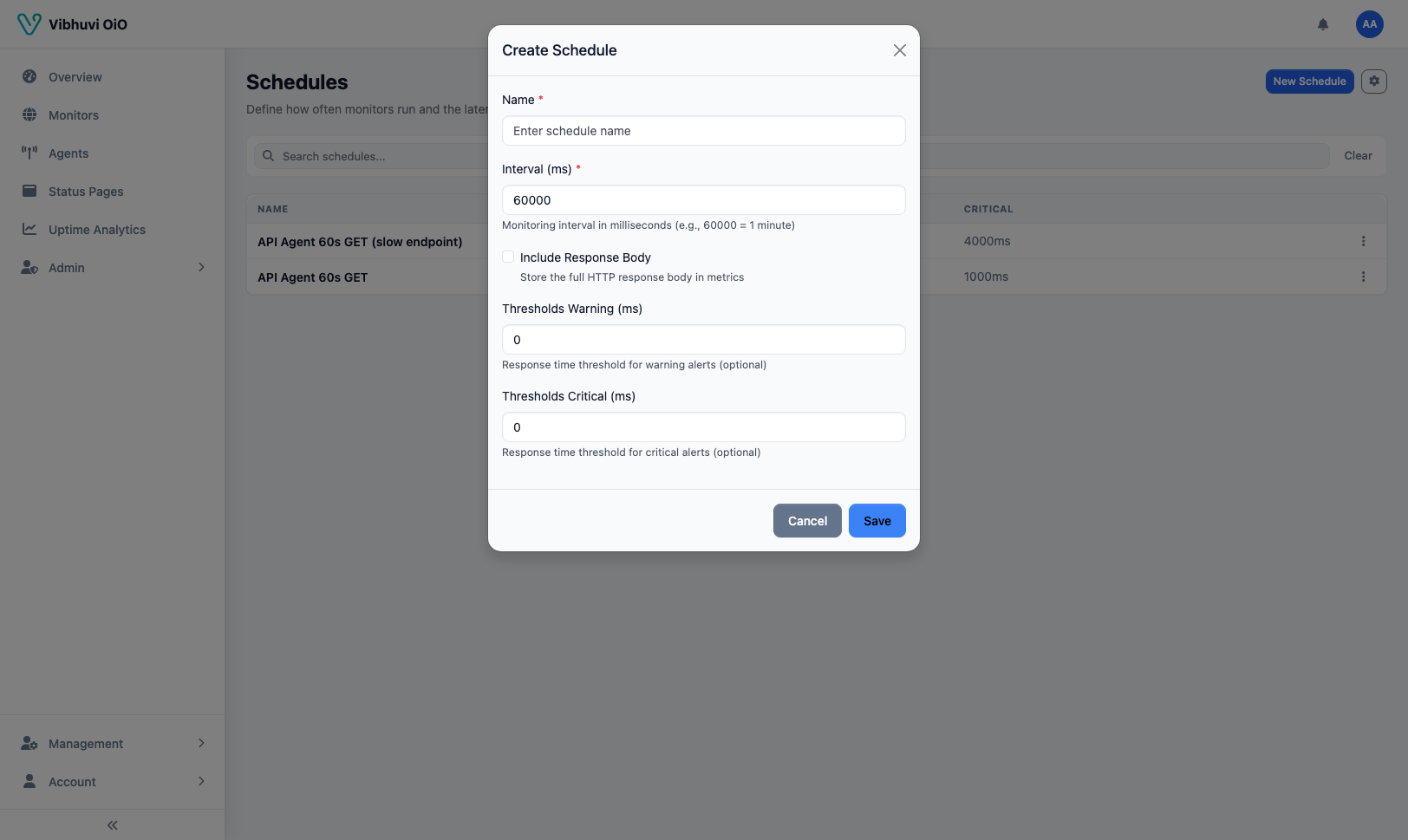 Common intervals include:
-
30sfor critical endpoints -
1mfor production services -
5mfor lower-priority checks
Apply a Schedule
When creating or editing a monitor, select the schedule from the dropdown. The assigned agent will run the monitor at that interval.Best Practices
- Use shorter intervals only for endpoints that can handle the load.
- Align schedules with your SLO measurement windows.
- Avoid creating many unique schedules when a shared one will do.