Regions & Datacenters
UptimeO groups infrastructure into Regions and Datacenters. This makes dashboards, status pages, and analytics location-aware.-
Region: A broad geographic area, such as
us-eastoreu-west. -
Datacenter: A specific location inside a region, such as
us-east-1aorord.
Create a Region
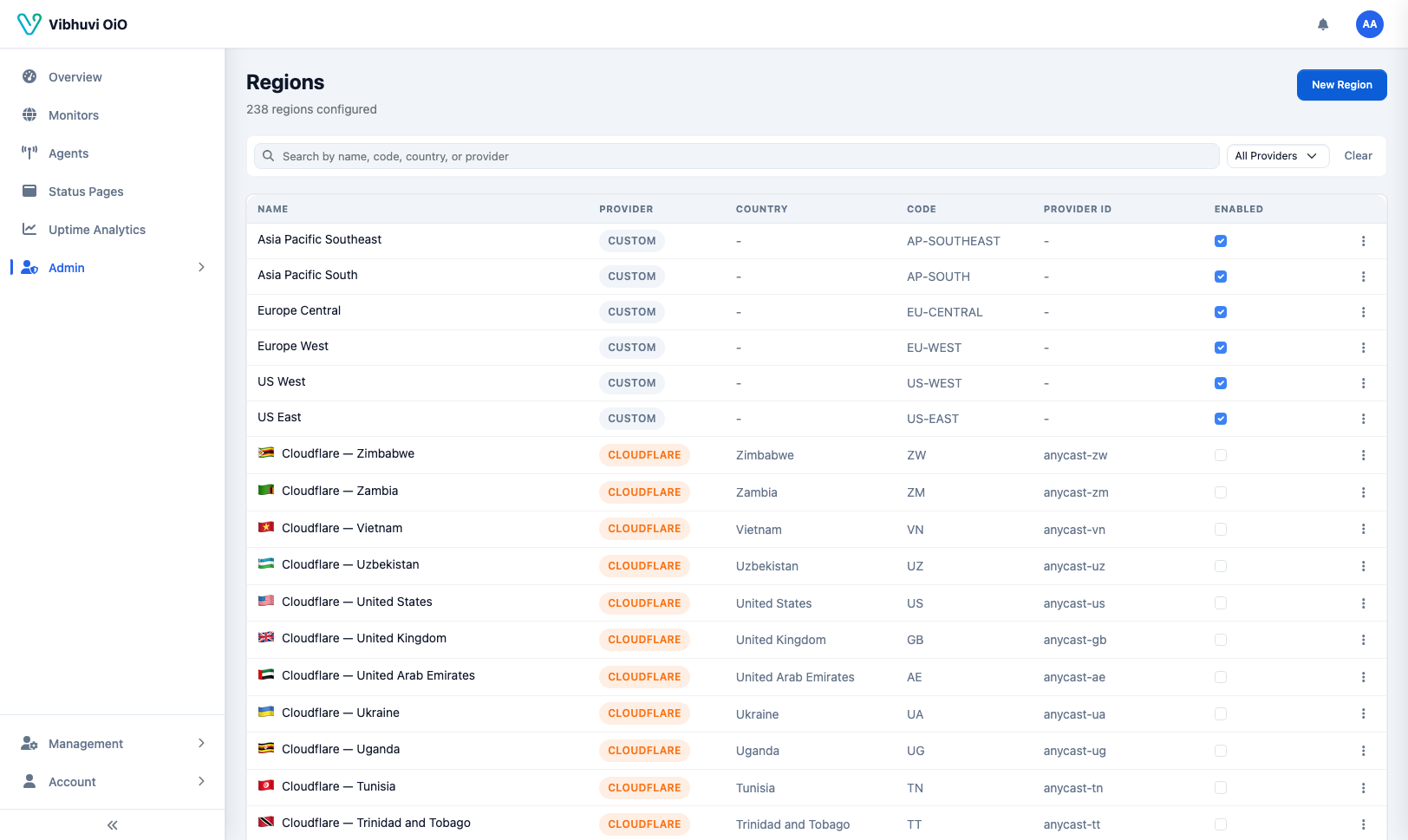
Go to Admin → Regions and add a region.
Create a Datacenter
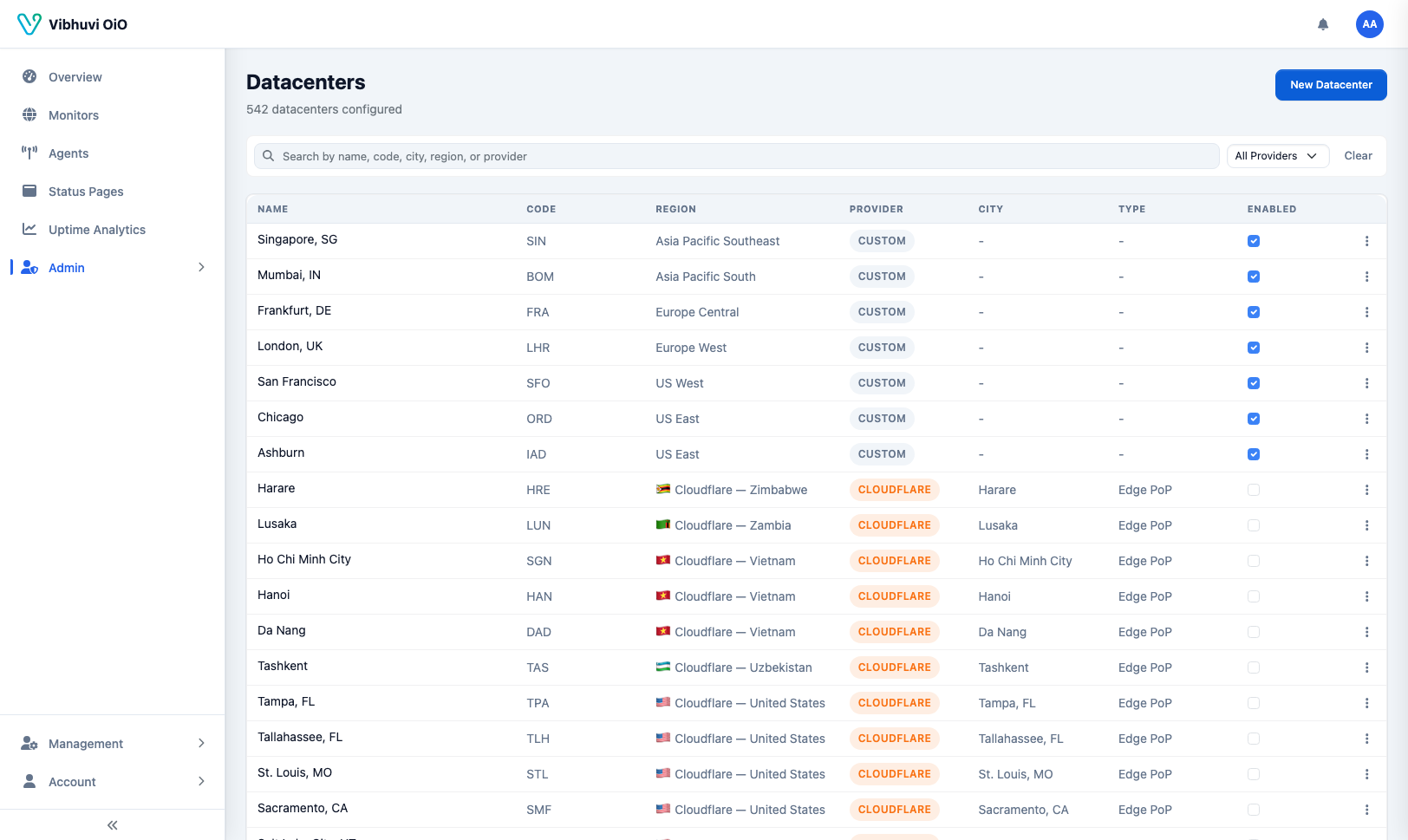
Go to Admin → Datacenters and add datacenters inside the region.
Use Regions and Datacenters
When you create an agent or a monitor, assign it to a datacenter. This lets you:- Filter dashboards by location
- Show region-aware status pages
- Compare latency across datacenters