 Open Source
Docker Registry UI
Modern, lightweight web interface for managing your Docker Registry. Browse images, scan vulnerabilities, and manage multiple registries.
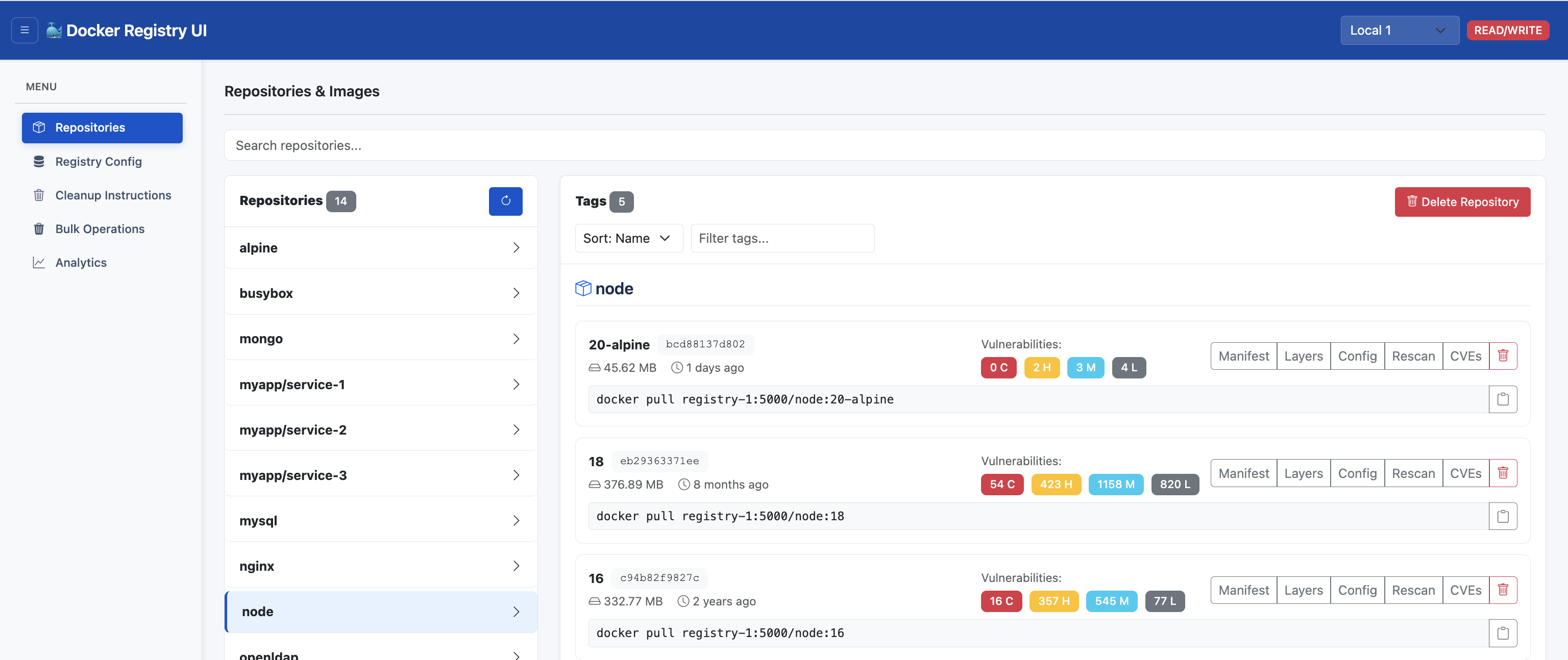
Browse Your Registry
Connect Docker Registry UI to any Docker Registry v2 API and explore repositories, tags, and image layers.
Why I created this
We run three registries — QA, Staging, and Production — with around 160 images in each environment. Each registry sits close to its local environment for fast pulls, but that also made cleanup and maintenance a real pain.
⚠The problem
- No web UI to see what is in each registry
- Hard to find old or unused tags across 500+ images
- No easy way to scan images for CVEs
- Manual cleanup was slow and risky
✓What this solves
- One UI for all three registries
- Browse, search, and delete tags quickly
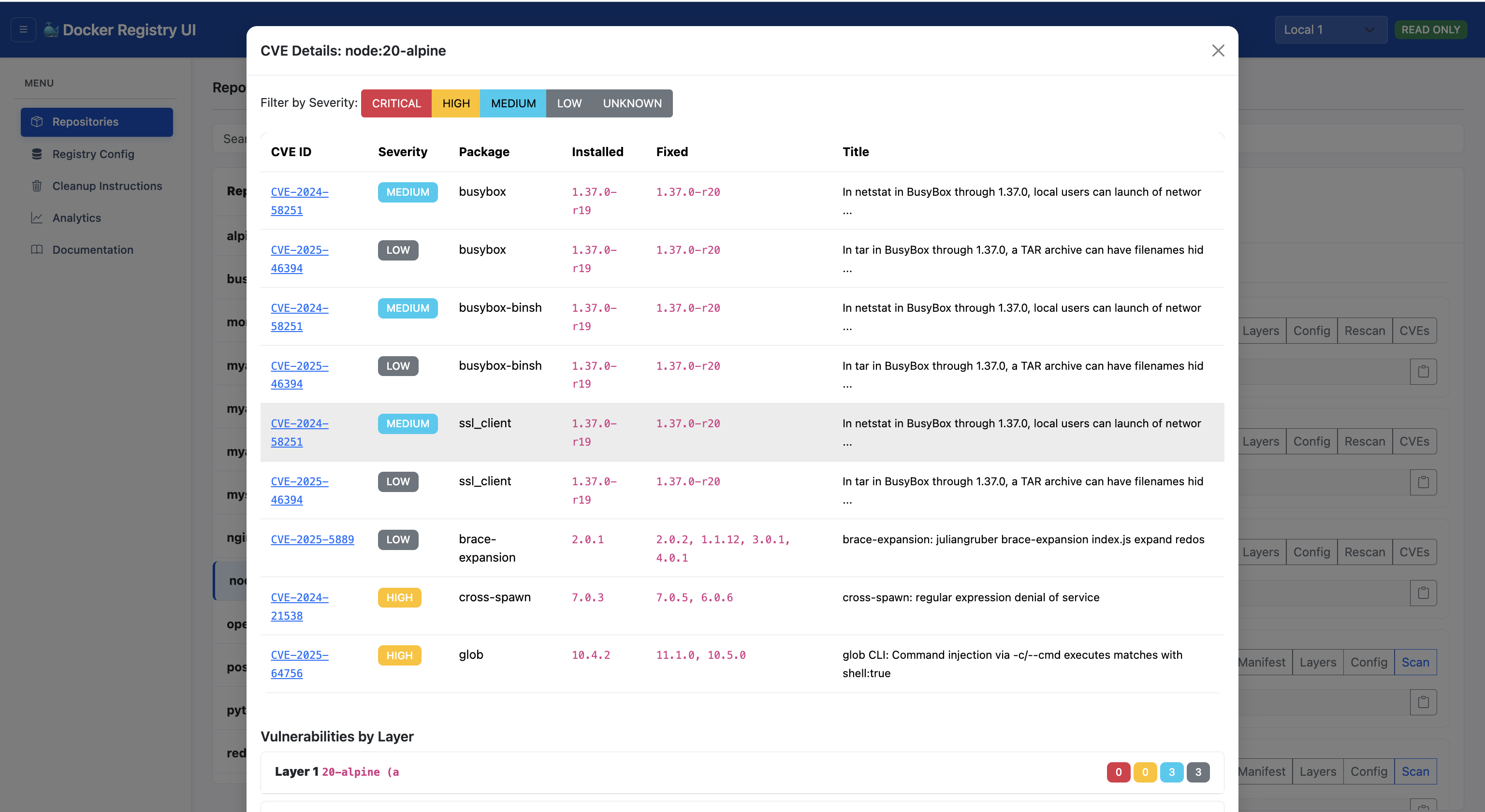
- Built-in Trivy vulnerability scanning
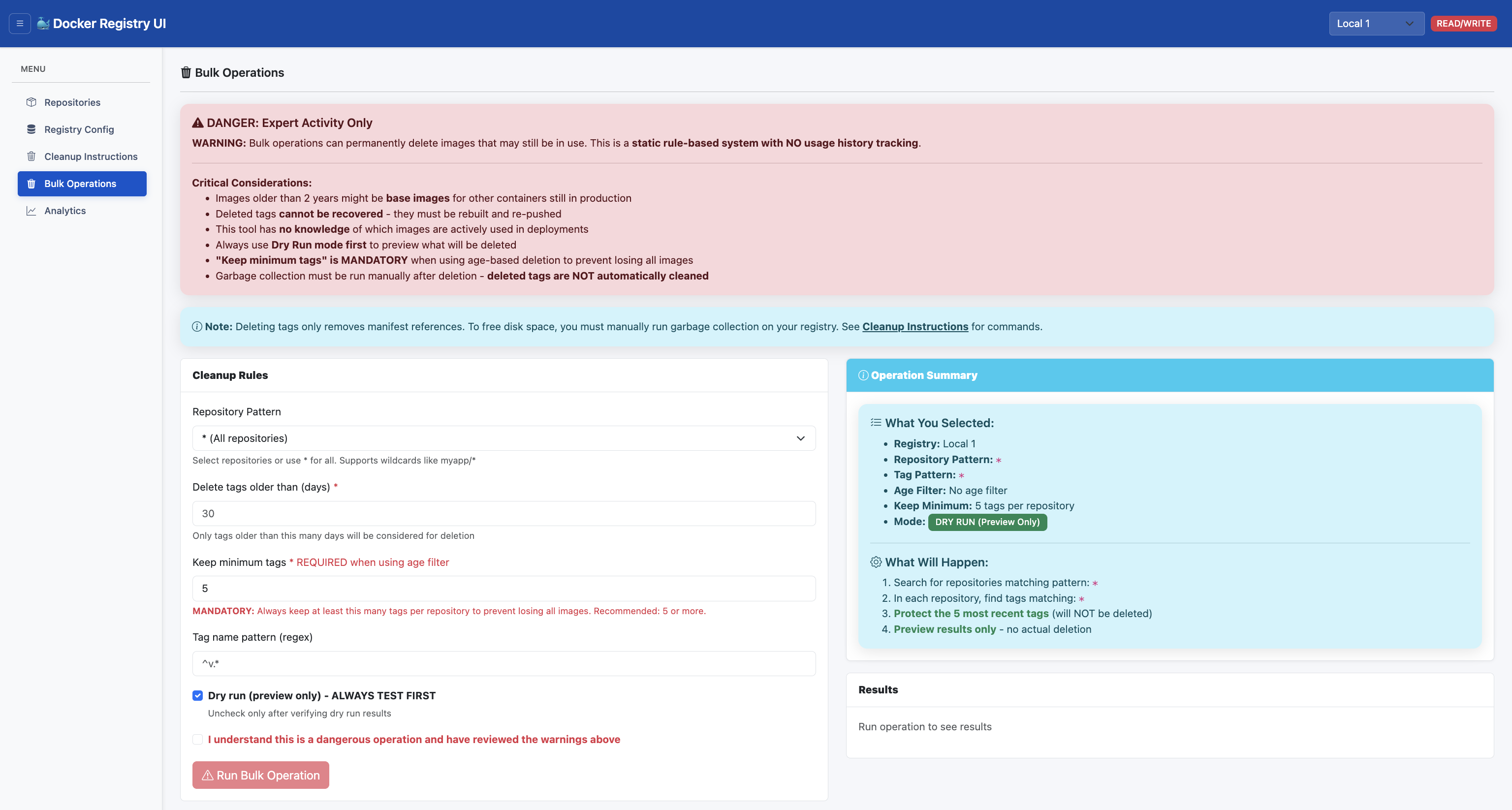
- Bulk cleanup with dry-run before deleting
Built as a weekend project over two weekends. Modern AI-powered coding made it possible to go from idea to shipped product fast.
Deploy in seconds
Docker Run (3 commands)
# 1. Create a network so containers can talk to each other
docker network create registry-net

# 2. Run a Docker registry
docker run -d --name test-registry --network registry-net -p 5001:5000 \
  -e REGISTRY_STORAGE_DELETE_ENABLED=true \
  -v registry-data:/var/lib/registry \
  registry:2

# 3. (Optional) Run a remote Trivy scanner for vulnerability scans
docker run -d --name trivy-server --network registry-net \
  -v trivy-server-data:/root/.cache/trivy \
  aquasec/trivy:latest server --listen 0.0.0.0:8080

# 4. Run Docker Registry UI
docker run -d --name registry-ui --network registry-net -p 5000:5000 \
  -e LOG_LEVEL=INFO \
  -e 'REGISTRIES=[{"name":"Local Registry","api":"http://test-registry:5000","vulnerabilityScan":{"enabled":true,"scanner":"trivy","scannerUrl":"http://trivy-server:8080"}}]' \
  -v ui-data:/app/data \
  vibhuvioio/docker-registry-ui:v2.1.0
Docker Compose
services:
  registry:
    image: registry:2
    ports:
      - "5001:5000"
    environment:
      REGISTRY_STORAGE_DELETE_ENABLED: "true"
    volumes:
      - registry-data:/var/lib/registry
    networks:
      - registry-net

  trivy-server:
    image: aquasec/trivy:latest
    command: ["server", "--listen", "0.0.0.0:8080"]
    volumes:
      - trivy-server-data:/root/.cache/trivy
    networks:
      - registry-net

  registry-ui:
    image: vibhuvioio/docker-registry-ui:v2.1.0
    ports:
      - "5000:5000"
    environment:
      LOG_LEVEL: INFO
      REGISTRIES: |-
        [
          {
            "name": "Local Registry",
            "api": "http://registry:5000",
            "vulnerabilityScan": {
              "enabled": true,
              "scanner": "trivy",
              "scannerUrl": "http://trivy-server:8080"
            }
          }
        ]
    volumes:
      - ui-data:/app/data
    depends_on:
      - registry
      - trivy-server
    networks:
      - registry-net

volumes:
  registry-data:
  trivy-server-data:
  ui-data:

networks:
  registry-net:
    driver: bridge
Access the UI at http://localhost:5000
Everything you need to manage registries
Repository Management
Browse, search, and manage Docker images and tags with an intuitive interface
Read/Write Modes
Toggle between read-only and read-write modes for safe registry operations
Bulk Operations
Delete multiple images based on patterns, age, and retention policies
Vulnerability Scanning
Built-in Trivy integration for scanning images and viewing CVE details
Multi-Registry Support
Connect and manage multiple Docker registries from a single interface
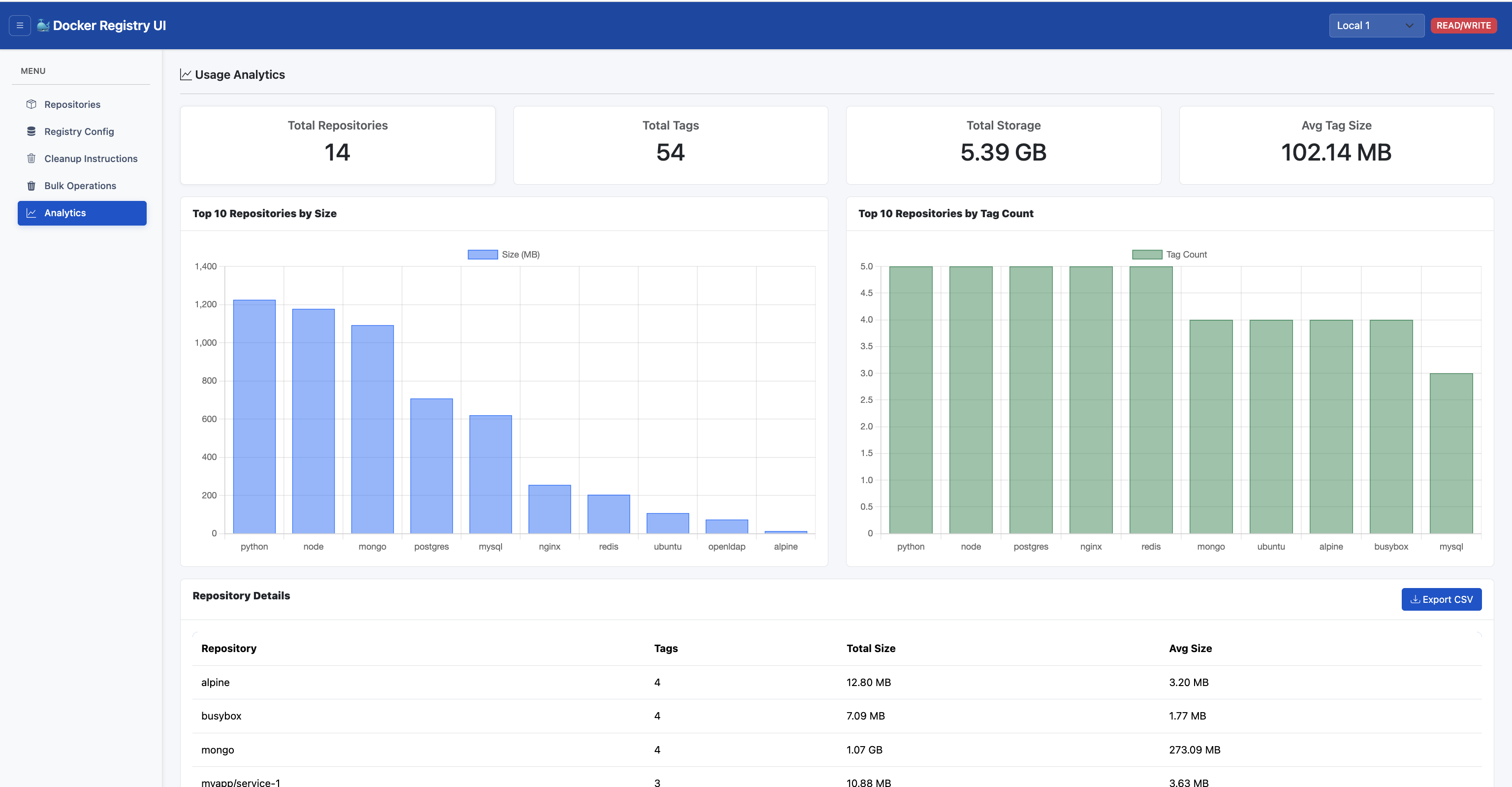
Analytics & Insights
View storage usage, image statistics, and layer information
Product Screenshots
See Docker Registry UI in Action
Watch how Docker Registry UI simplifies container image management with an intuitive web interface, built-in vulnerability scanning, and multi-registry support.
Video Coming Soon
A product walkthrough video is being prepared
Documentation
Getting Started
Installation and basic setup guide
Configuration
Configure registries and settings
Features Guide
Explore all available features
API Reference
Docker Registry API integration
Security Scanning
Vulnerability scanning with Trivy
Testing Guide
Full feature testing with multi-registry
Development
Contributing and development setup
Ready to get started?
Deploy your own Docker Registry UI in minutes with our comprehensive documentation and Docker Compose setup.